

Does it work?
No reports yetNo reports yet. Tried it? Be the first to say.
Description
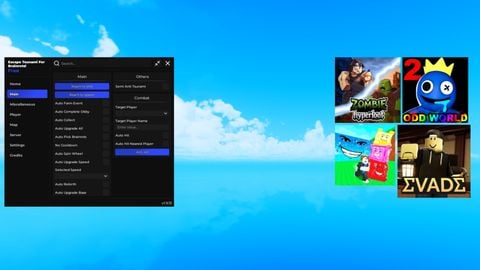
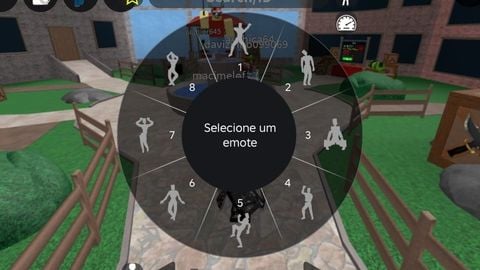
Couldn't get the whole photo to fit, but this features things such as: Keys per second, Fps, and Cps for both the left and right mouse buttons. Examples of them: https://gyazo.com/a0e27997458b50e7a1680ca641d7a817 Customization Coming soon! Which keys can be changed using the options below? For a complete list of keycodes, use: https://developer.roblox.com/en-us/api-reference/enum/KeyCode Ps: some keycodes might not work Update log: -> Fixed kps not picking up key presses, and custom binds, -> Added an ms counter -> Added an option to toggle for a backdrop, ms counter, kps counter, fps counter, and animated shadow. This can only be used when re-ran for now. -> Added arrows -> Fixed the extreme lag Coming soon: -> Arrow support and other features -> Custom color of the keys -- Currently default gray Bugs: CharMs: Currently Broken


@_Auth0 will you ever consider adding a crosshair aswell?
@_Auth0 you should make it so the ms counter appears in your torso, that would honestly make it much better. Make sure it reappears when you die aswell.
inspired :eyes:
this is useful, nice
looks good bro
Also a bug if keydrag is on the keystrokes wont work at all on synapse x
And be able to make it smaller